


Everyone In Mobility Uses AI. Few Have Decided What It’s For.
Nearly eight in ten mobility teams use AI, but few have built it into their workflows or set the rules for it.
Most of that use is individual and informal, such as one person drafting an email or summarising a policy. That saves time, but it does not change how a programme performs. The gap between those two things is where a mobility team can make a real difference.
The share of organisations that have embedded AI into structured global mobility workflows.
ECA, 2026
Where AI Earns Its Place Now
The strongest uses are repetitive tasks where a person can check the output in minutes. These are ideas to test, not proven results, so start with one and measure it.
- Draft first versions of assignee messages, policy summaries and FAQ replies, with a named person approving each one.
- Turn supplier quotes in different formats into one like for like table, then have a person review it.
- Build cost scenarios, such as how an assignment changes if rents or exchange rates move.
- Summarise destination rule changes into a one page brief that the team verifies against official sources.
- Sort incoming assignee questions so routine ones reach the right person faster.
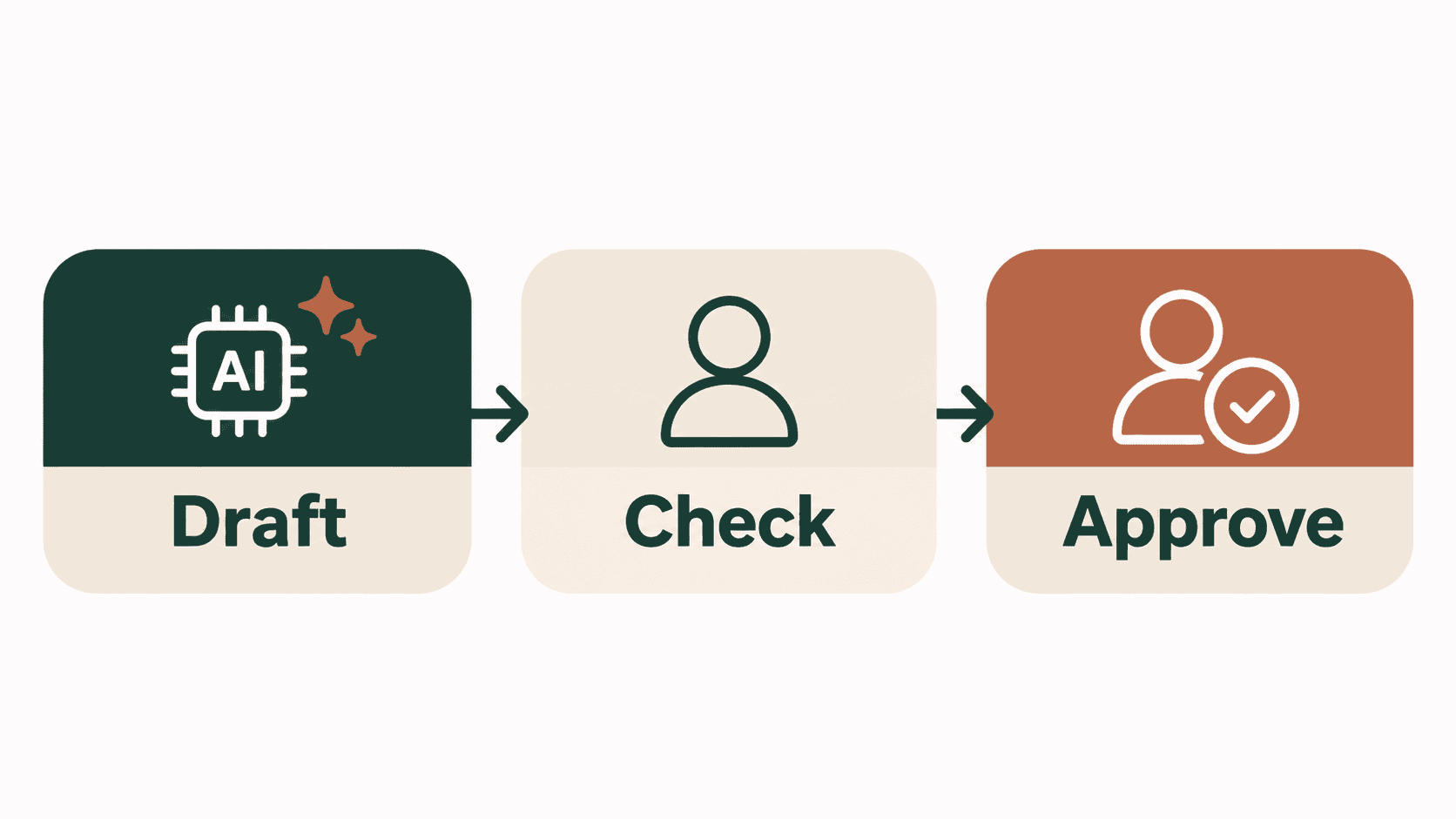
Set The Rules Before The Tools
ECA’s Tom Harvey puts it plainly: “speed without structure creates risk.” Mobility handles passports, salaries, family details and health information, so the rules matter more here than in most functions.
- Write a one page policy listing approved tools and the data that must never be entered, including passport numbers, salary and medical details.
- Name an owner for each AI use, so someone is accountable for accuracy.
- Keep a human check on anything that tells an assignee what they are entitled to or what a rule requires.
- Track one measure for each use, such as time saved or error rate, and review it after three months.
AI will not fix a mobility programme that has no clear process, but it can speed up one that does. Pick one task, set the rules and measure the result. Then repeat.

Pinewood keeps one named contact with every assignee, so any technology your team adds sits behind a person who knows the family. Get in touch to talk through where technology fits in your mobility programme.